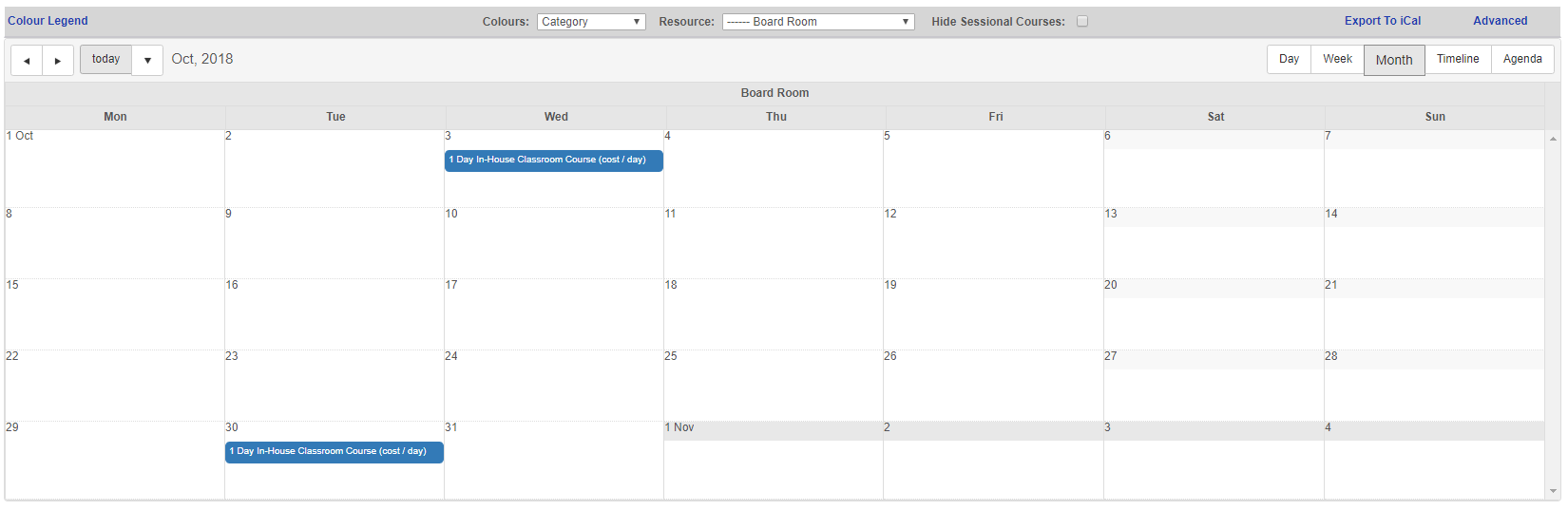
Resource Calendar Overview
The Resource Calendar allows you to see where and when your Resources are being used within a calendar view.
To learn how to use the Resource Calendar, click here.
Where to find the Resource Calendar
The Resource Calendar can be found in the left-hand menu by clicking on Resources and selecting Calendar from the from the drop-down.
Alternatively, you can view the main Resource Calendar and select one or multiple Resources to view at once. Access this by selecting Resources - Calendar.
What is the Resource Calendar
The Resource Calendar is an alternative view to the DataGrid and has a lot of the same options such as managing availability or unavailability and assigning Resources to a course. The calendar view has a number of configuration settings such as:
- Colours - you can choose to see a specific type of Resource based on the colour selected that will pull through the information from the Resource Details area
- Training Provider - if you have more than one training provider you can view the Resource for each one individually
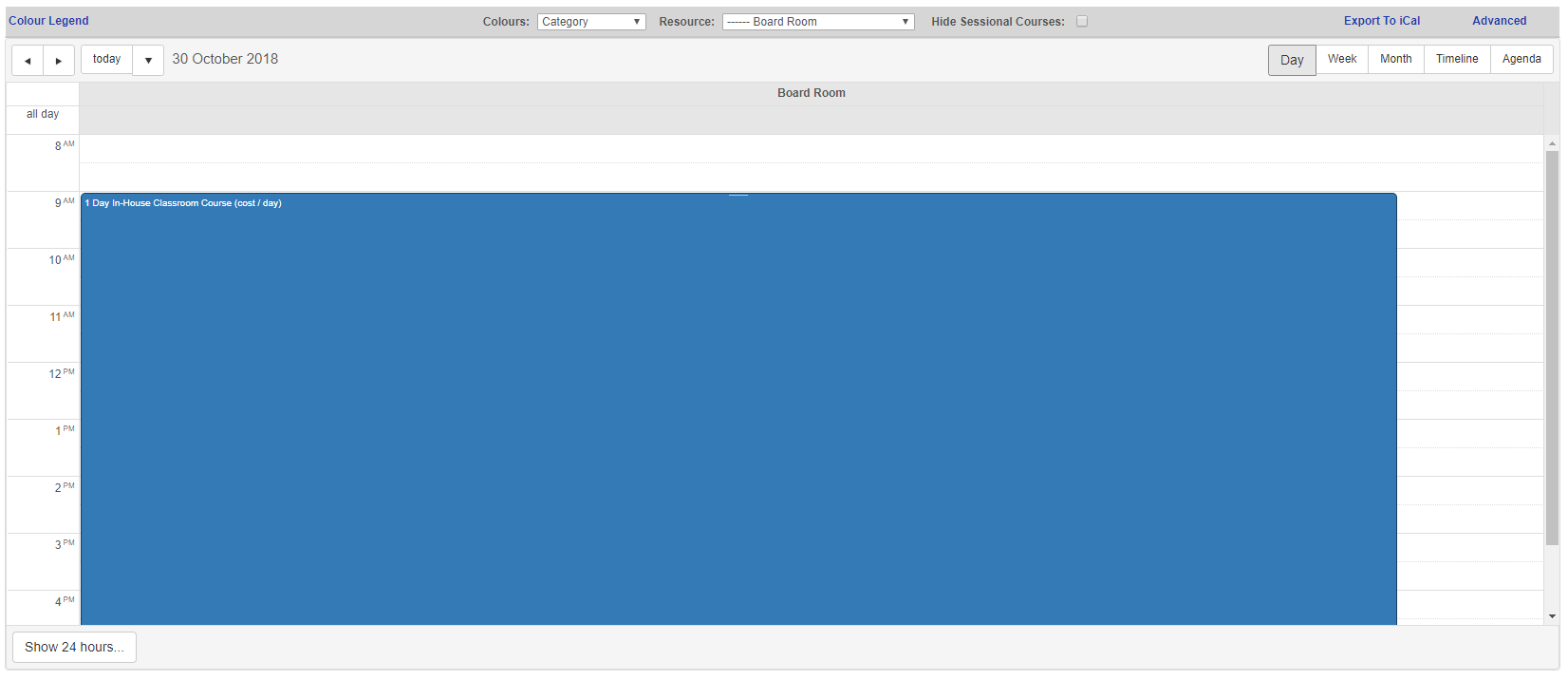
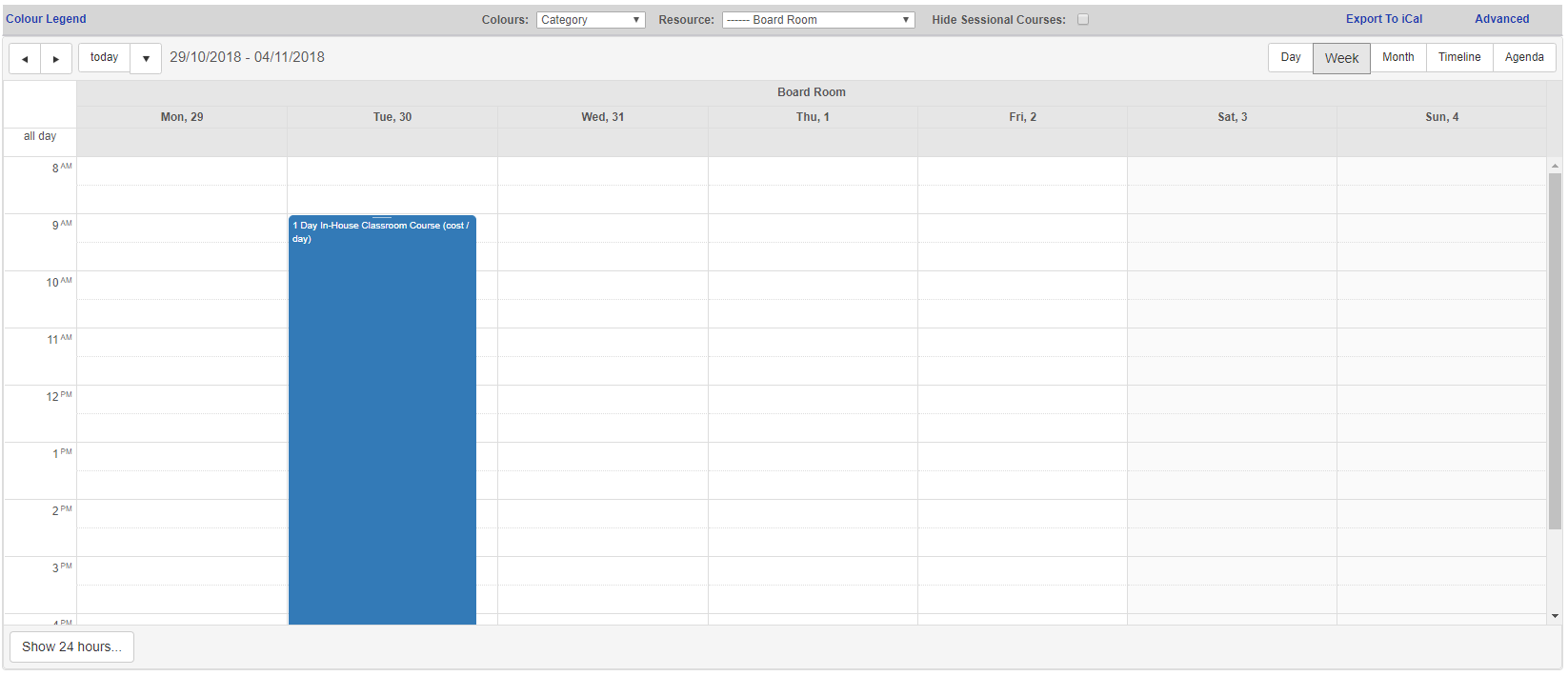
- Day, Week, Month view as well as modes such as the Agenda and Timeline options
Assigning Fees for Resources
You can assign Fees to your Resources via the Resource calendar. Fees are used to record expenses such as travel costs and consumables. These fees will contribute towards your course date profitability figures.To learn how to apply Fees to your Resources via the Resource Calendar, click here.
View Modes
Day View
Week View
Month View