Web Courses Overview
Learn about Web Courses
Search the Knowledge Base
About Web Courses
Webinar courses are live, online training sessions where Delegates can engage in real-time with Trainers through video, audio, and screen-sharing. Webinars often include presentations, Q&A, and discussions, providing a learning experience that caters to a range of learning styles. As web Courses are hosted online, Delegates and Trainers can access the Course from any location with an internet connection.
Benefits
Here are the benefits of using Web Courses
Cost-efficiency | Web Courses are typically more cost-effective for both the Delegates and the Training Provider! Delegates do not need to pay for transport, accommodation, or additional equipment, and the Training Provider does not need to pay for a venue or catering. |
Content delivery methods | Web Courses allows Trainers to include a range of media options to deliver the Course content including presentations, live demos, interactive elements (polls and Q&As), this all makes the learning experience more engaging. |
Recording Capabilities | Web Courses can be recorded to reference back later, allowing the content to be shared with Delegates who may have been unable to attend. |
Availability | Web Courses can be attended from anywhere with internet including those from different geographical locations, allowing you to reach a wider array of Delegates all over the world! |
Key Terms and Glossary
Trainers | Trainers are responsible for leading the Course and educating the Delegates, Trainers are sometimes referred to as Instructors, Teachers, or Facilitators. Trainers may be granted access to a My Teaching portal in your accessplanit platform to access information about their Courses and complete actions such as mark attendance. |
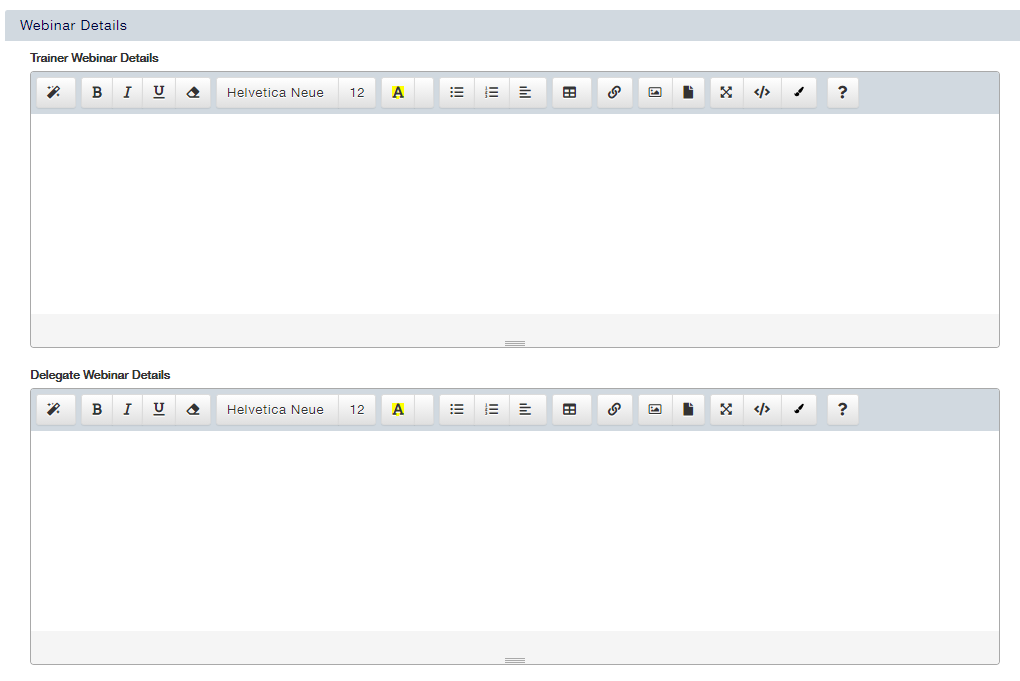
Webinar Links | Rather than Venues, Webinar links are used so your Delegates can access your Training online, whether this be Teams, Zoom or an alternative Online meeting software, your Delagtes can access the Course from anywhere |
Sessional | Sessional Courses are multi-part Courses, as the Course is split into multiple parts, they can be used to track attendance on multiple-day Courses, they can be used for Courses that contain a combination of delivery methods such as classroom, web, and eLearning elements, and they can be used for Courses where you need to use different Resources on different parts - such as a different trainer on each day. |
Delivery Method | The Delivery Method is where you can categorise your Course as ‘In-house’ Course which typically means it is being scheduled exclusively for a specific customer, or whether it is ‘Public’ where anyone is able to book this Course. To change the options available in your Delivery Method drop-down box, please get in touch with a member of the accessplanit team. |
Where to find Web Courses
Web Course Management
Learn how to create and manage Web Courses on your platform:
Scheduling Courses
https://accessplanit.atlassian.net/wiki/spaces/HG/pages/3838607361
View Course Information
View all the Delegates on a Course
View all Courses missing a Trainer
View upcoming Courses with low profitability
View all future, available Courses
View the Delegate Survey submissions for a Course
Delegate & Placeholder Course Information
How to add a Delegate to a Course
How to re-book a Delegate on the Same Course
Placeholder Management Overview
Managing Courses
Complete a Course and mark the Delegate Attendance
Set a Course to only be available for a specific Customer
Place a Scheduled Course on Hold
Add a File for Delegates and/or Trainers to a Course
Update the assigned Trainer on a Course
Update Costs for Future Courses
Take Waiting List Bookings on Courses
Define an ad-hoc Task for a Course
Removing Courses & Prevent Advertisement
Stop Advertising Multiple Courses
Useful Pages
Course Cost Types and what they mean
Waiting Lists - Shopping Basket
Generate a Course sign-in sheet
Importing Courses
Learn how to import Course information into your platform:
Import Delegates onto a Web Course in Bulk
For additional Importing Pages please visit our Course Overview page
FAQ’s
Whats the difference between Web Courses and eLearning?
What are the advantages of a Web Course over a Classroom Course
Where can I add my Webinar Links?
Additional & Supported Reading
Sessional Courses
https://accessplanit.atlassian.net/wiki/spaces/HG/pages/83394643
https://accessplanit.atlassian.net/wiki/spaces/HG/pages/265716110
https://accessplanit.atlassian.net/wiki/spaces/HG/pages/3274014721
https://accessplanit.atlassian.net/wiki/spaces/HG/pages/3271426049
https://accessplanit.atlassian.net/wiki/spaces/HG/pages/3271426476
Resource Management
https://accessplanit.atlassian.net/wiki/spaces/HG/pages/274497682
https://accessplanit.atlassian.net/wiki/spaces/HG/pages/83099829
https://accessplanit.atlassian.net/wiki/spaces/HG/pages/275185813
https://accessplanit.atlassian.net/wiki/spaces/HG/pages/83427548
https://accessplanit.atlassian.net/wiki/spaces/HG/pages/339378373
https://accessplanit.atlassian.net/wiki/spaces/HG/pages/3063545858
Contact Our Team
If you can't find what you're looking for, access our Support Portal, and our team of experts will be happy to help!
Is it your first time contacting the team? Learn how to raise a support ticket.
Follow Us
Copyright © 2025 accessplanit.
Social media icons by icons8.com