SmartGrids: User Awards
Under the Smart Grids menu, the last option to choose from is User Awards. In this area, you can view and edit all users' awards on accessplanit.
How to edit an Award
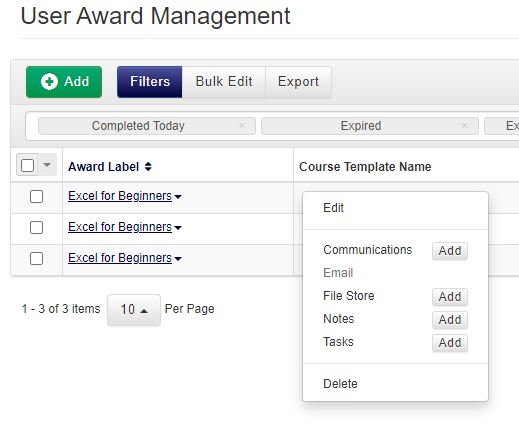
- Right-click on the User Award record and select Edit from the context menu.
- Within the User Awards Details tab, edit any of the details you wish, including the Award, the user the Award is assigned to, and the Status of the Award.
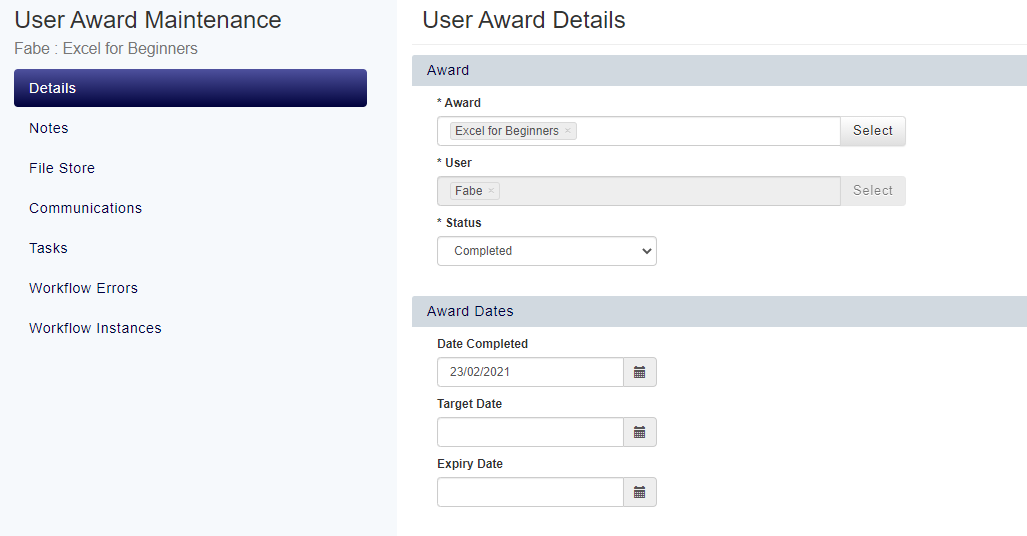
- Click Save to save your changes.
How to track whether a user has Renewed or is Renewing an Award
- Navigate to the User Awards SmartGrid
- Click the three dots in the top right-hand corner of the DataGrid
- Add the Renewed and Renewing columns to the DataGrid by clicking the + button and selecting them from the list.
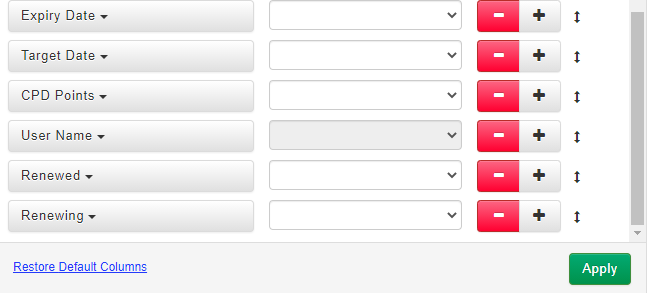
- These columns will now be exposed within the DataGrid. They will show you whether any of the User Awards have been Renewed, or whether the User is booked onto a course in the future in the process of Renewing their Award.
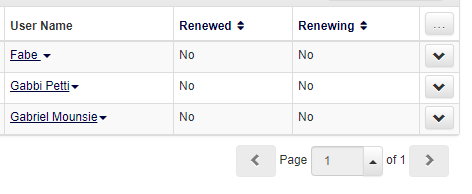
- There is also a field labelled "Booked", which shows whether the user is booked on a course in the future in order to renew this award.
How to email a user about an Award
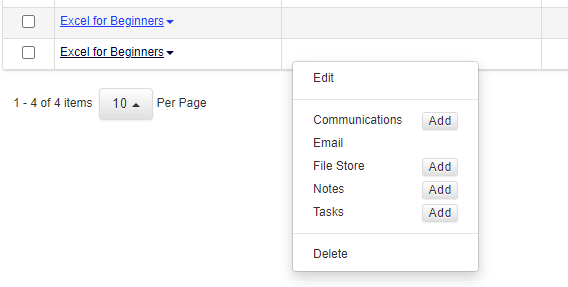
- Right-click against the relevant User Award and select Email from the context menu.
- Choose from the Creation Type options as to whether you want it to be an ad-hoc email, or chosen from an eCampaign or Text Template you may have set up earlier.
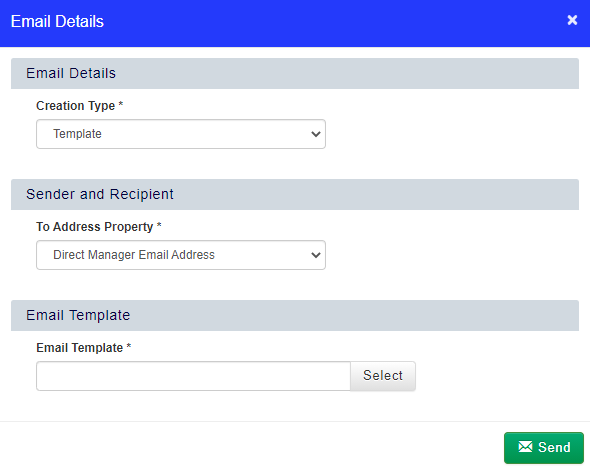
- To send the email when you have finished, click Send.